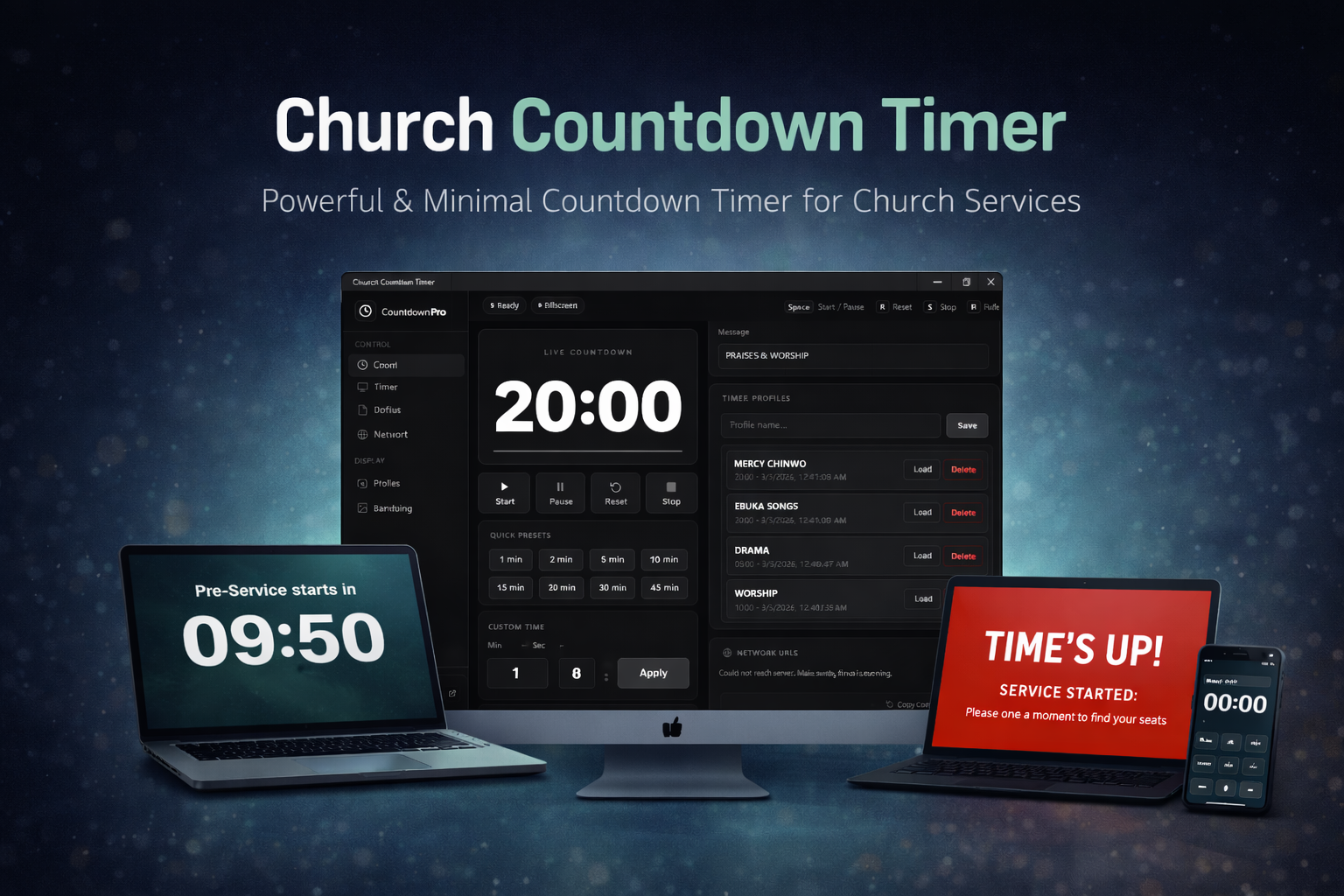
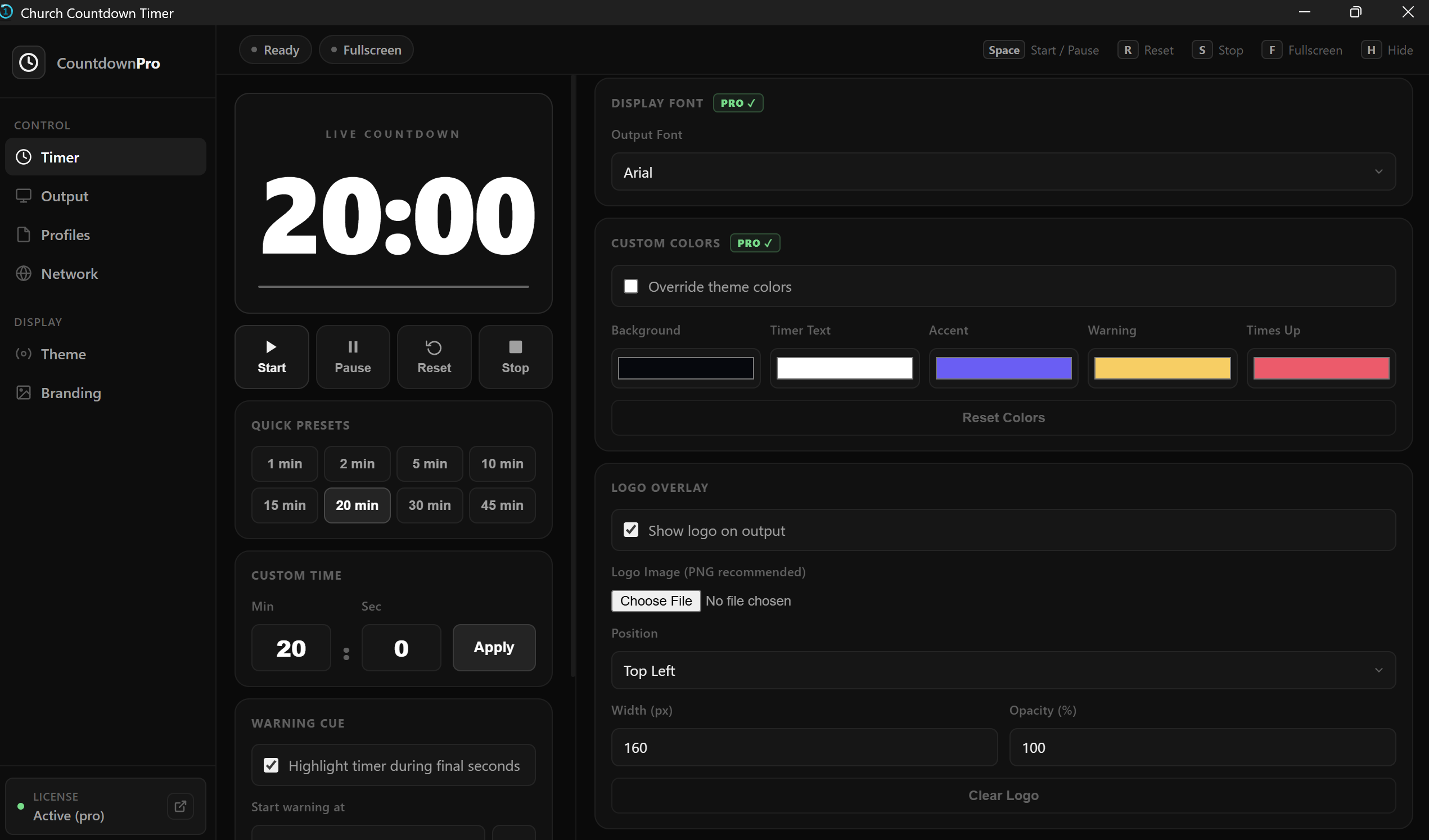
Full-featured desktop app with a dedicated output screen, phone control, logo branding, timer profiles and more.
★★ PRO: Lifetime license / One-time payment ★★
Clean, bold, and readable from across the room - exactly what your event needs.
Packed with professional features that just work - no configuration nightmare.
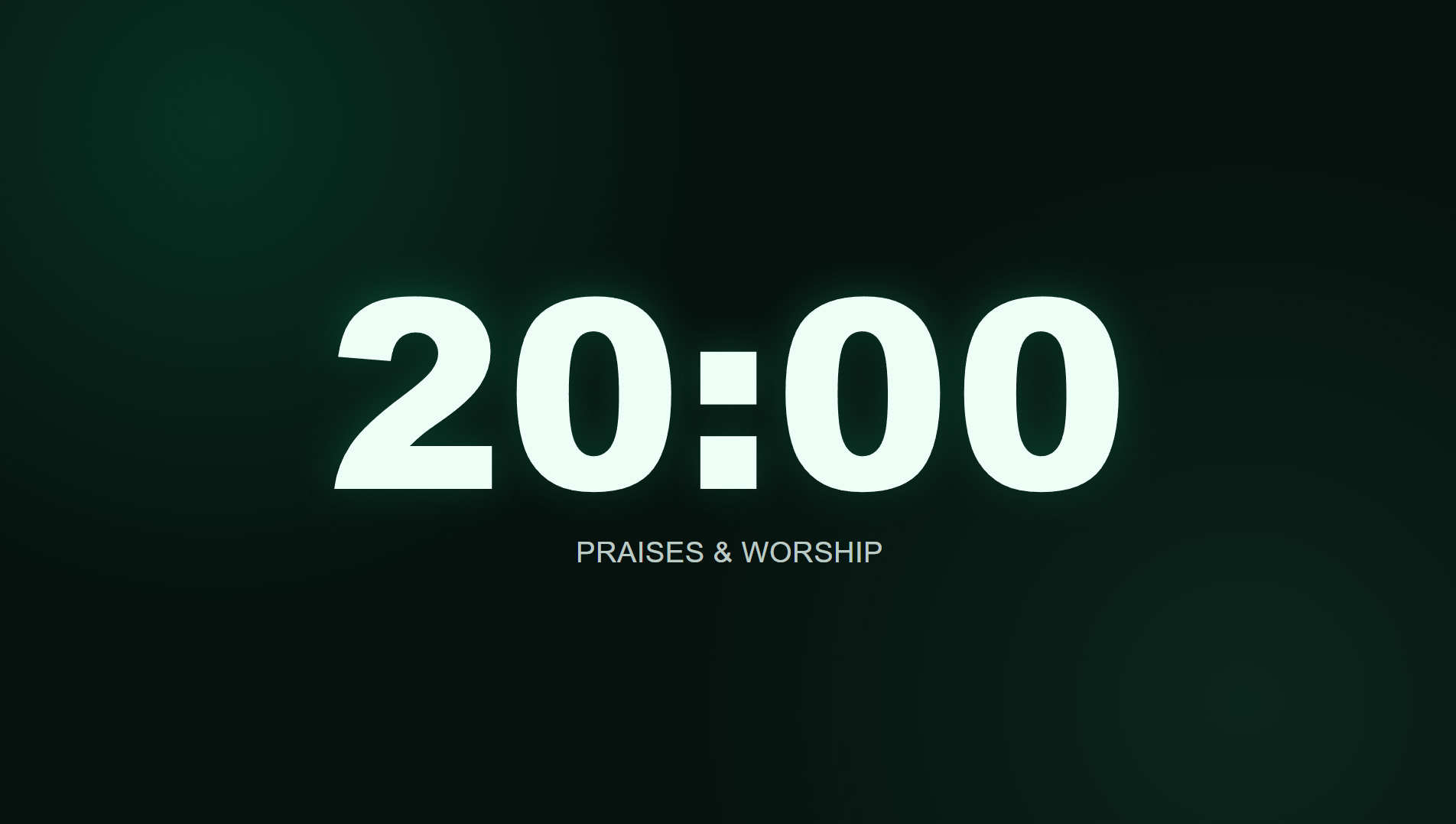
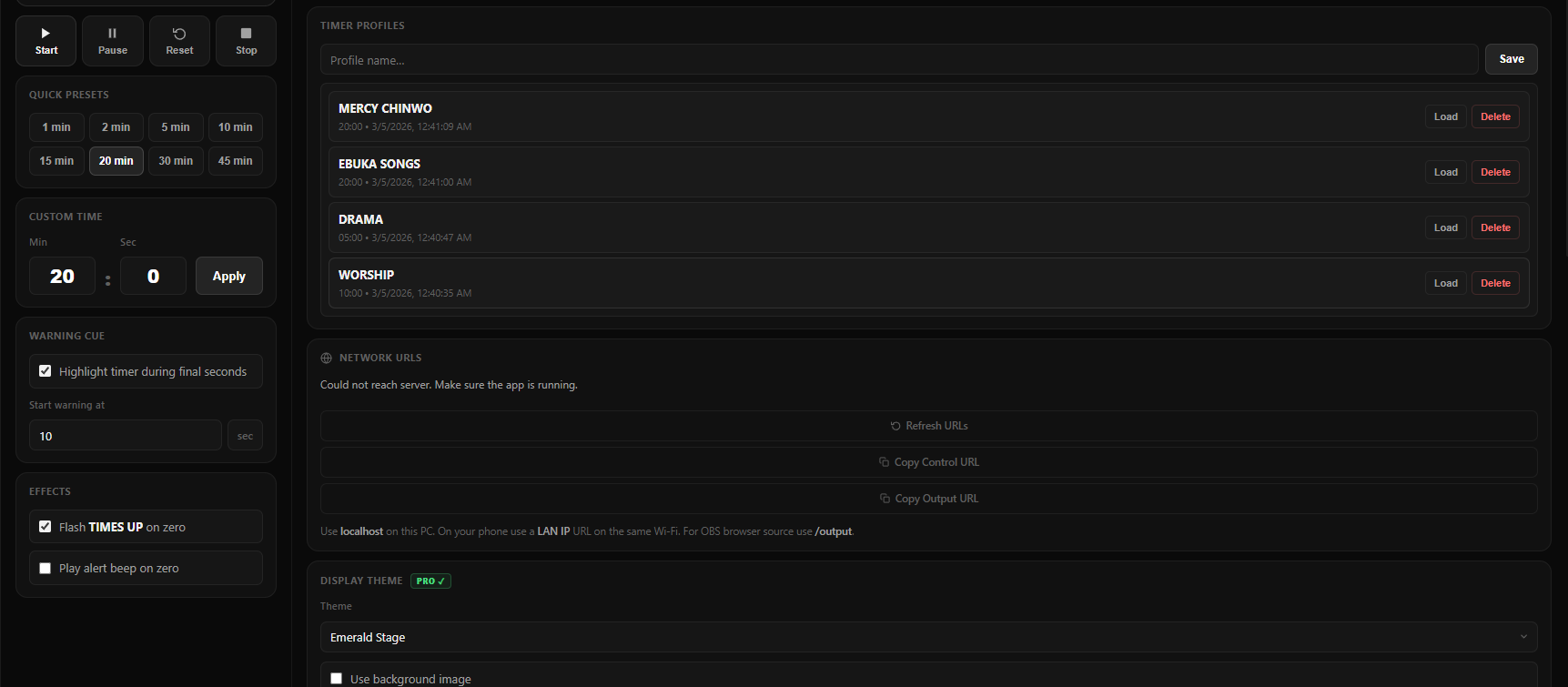
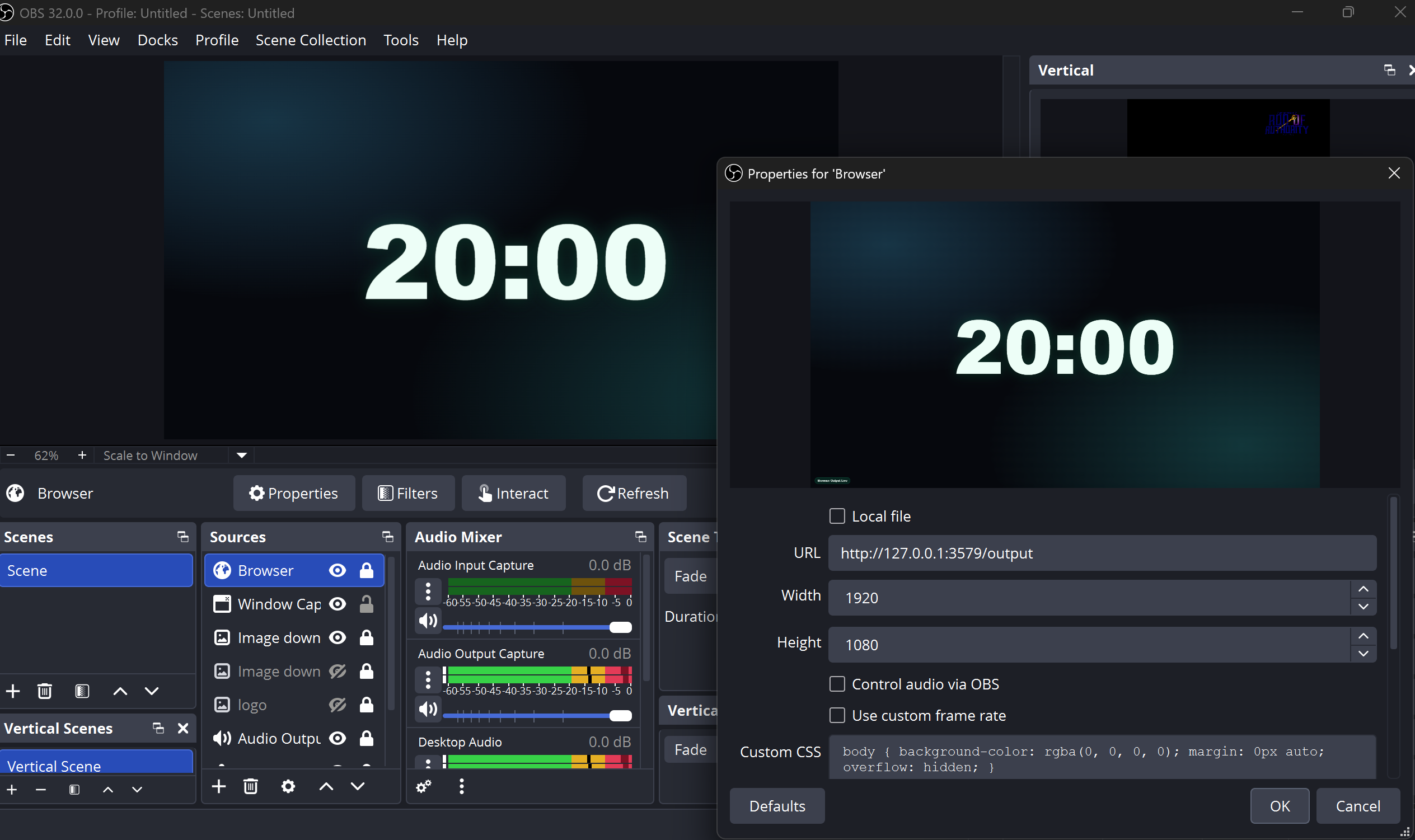
Project the timer to any screen, TV, or projector using a browser URL. Works over your local network - no cables required.
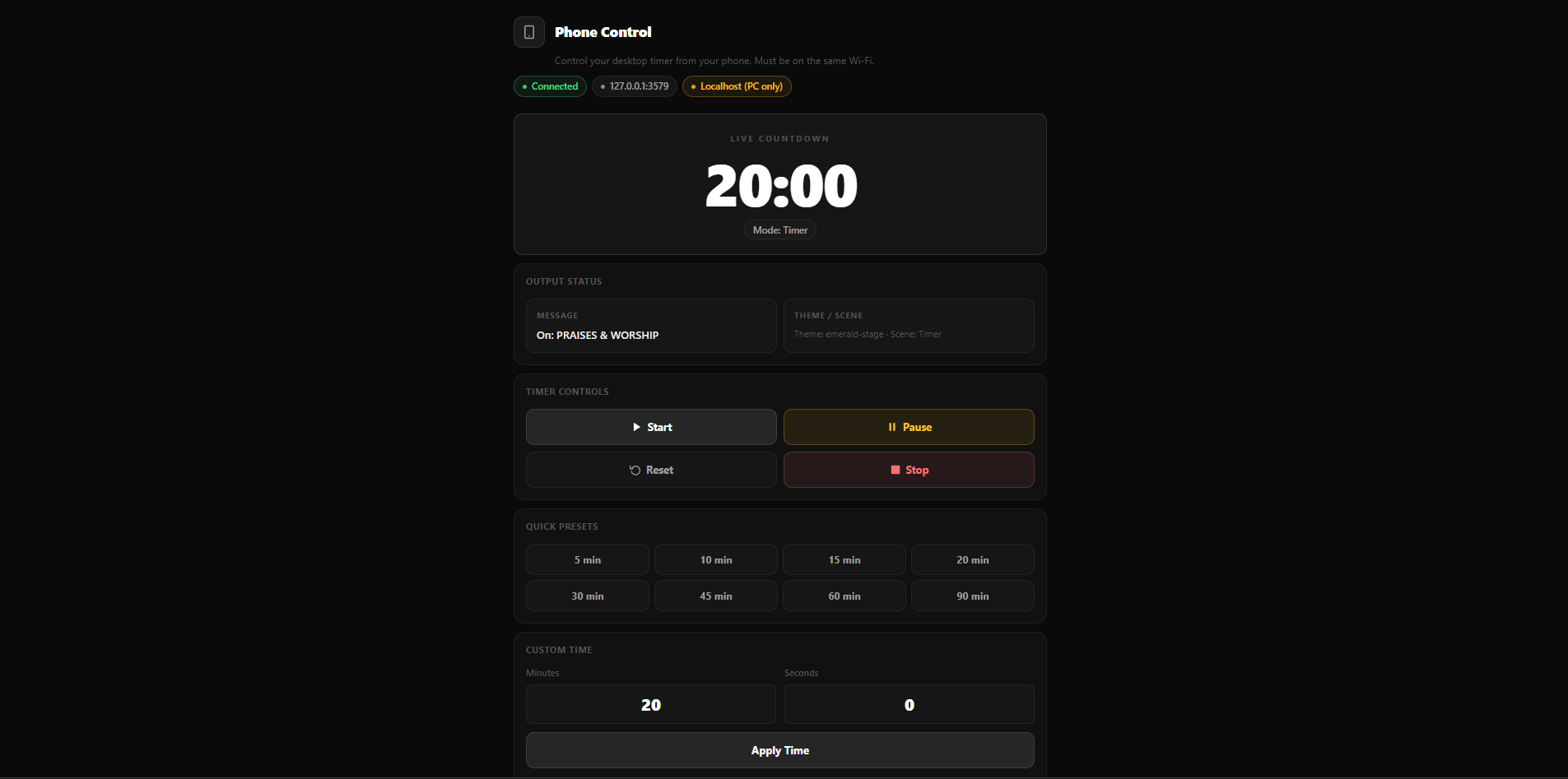
Control the timer from your phone or any device on the same Wi-Fi. No app to install - just open a URL in your browser.
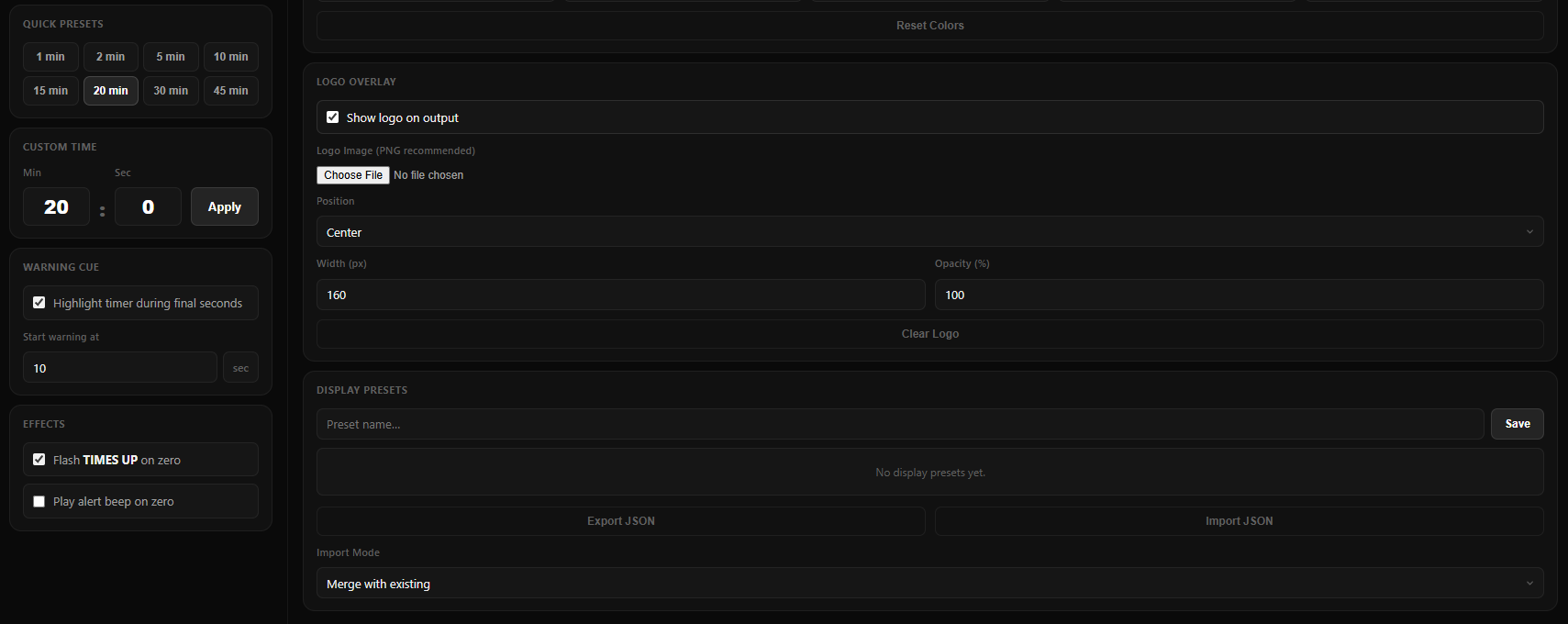
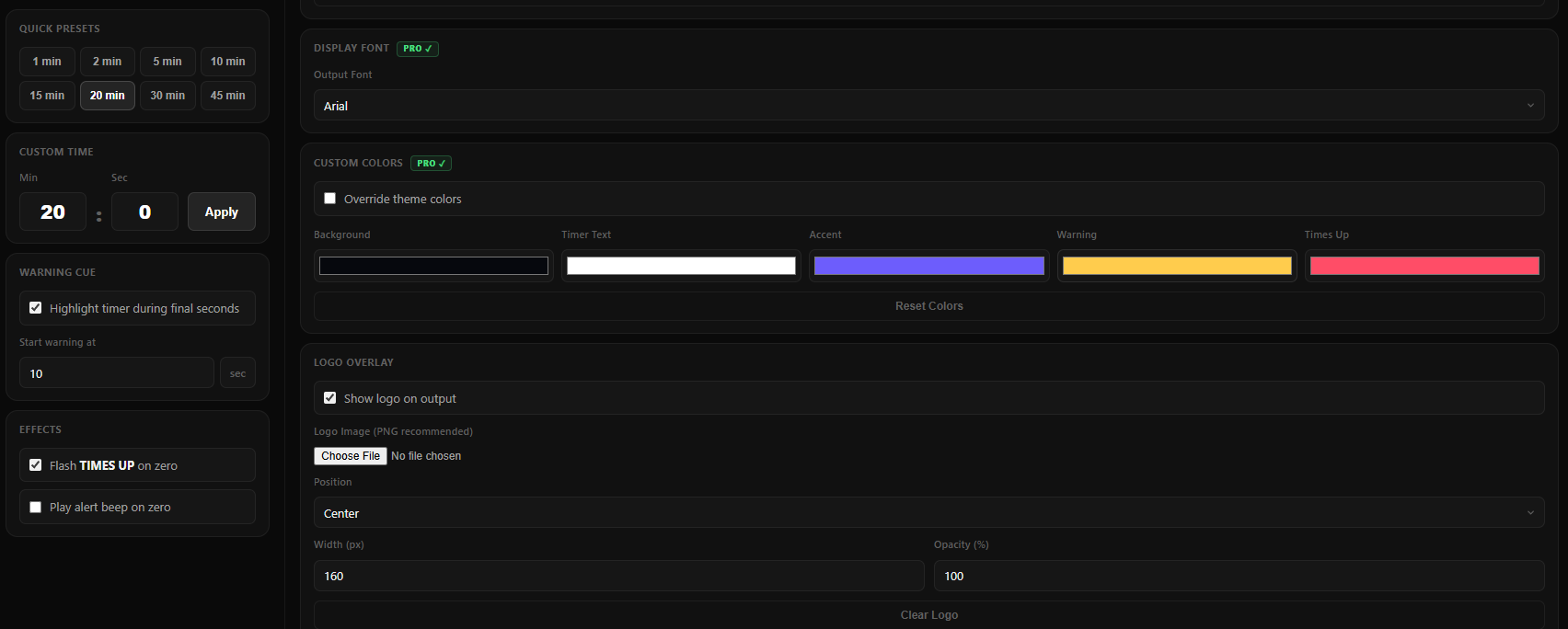
Display your church or organization logo on the output screen. Perfect for branded presentations and live streams.
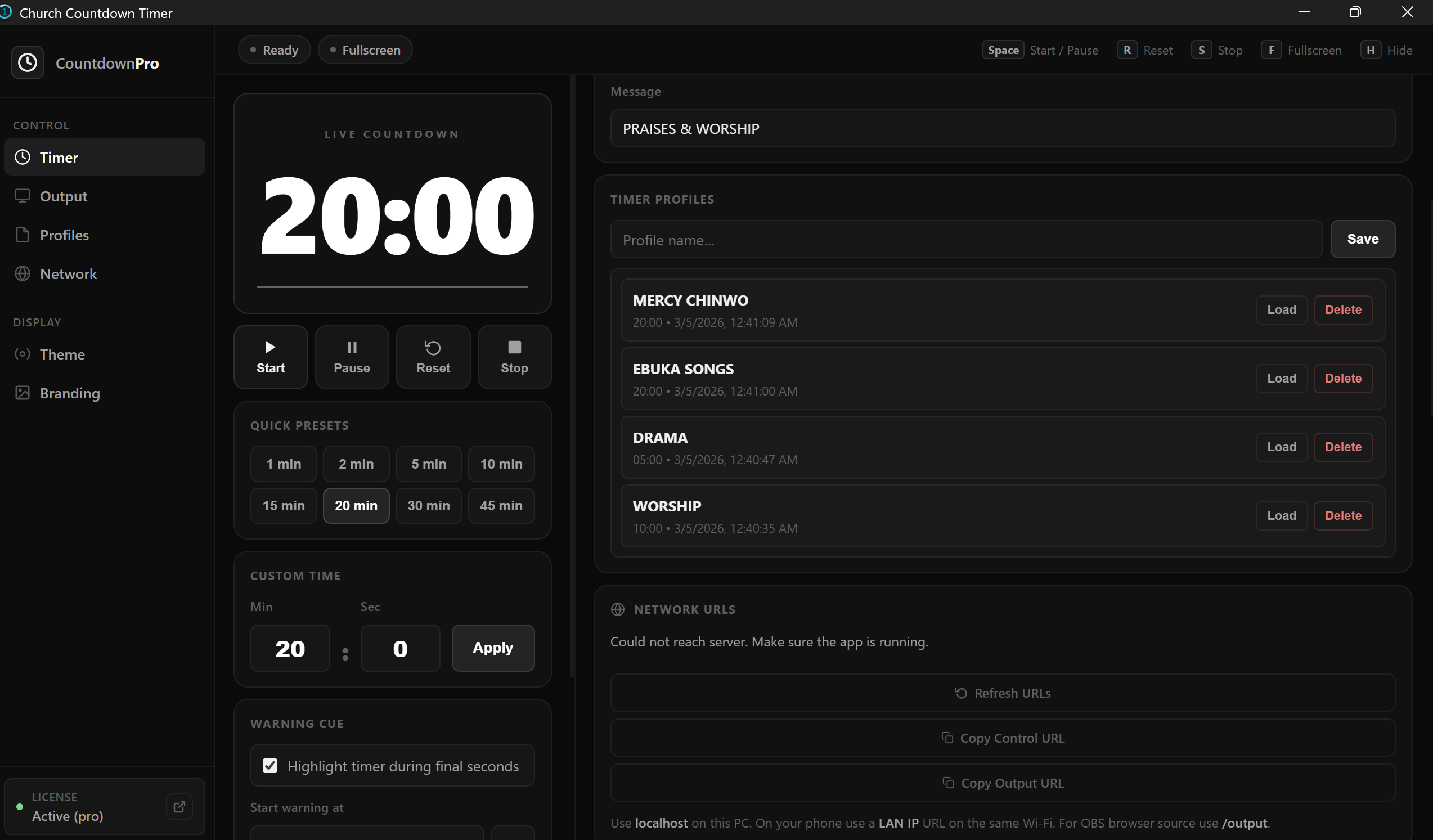
Save your favourite timer setups as profiles and load them instantly. Perfect for recurring services with the same schedule.
Count up, count down, autorestart, exceeded time display, and unit mode (seconds). Handles any event length with ease.
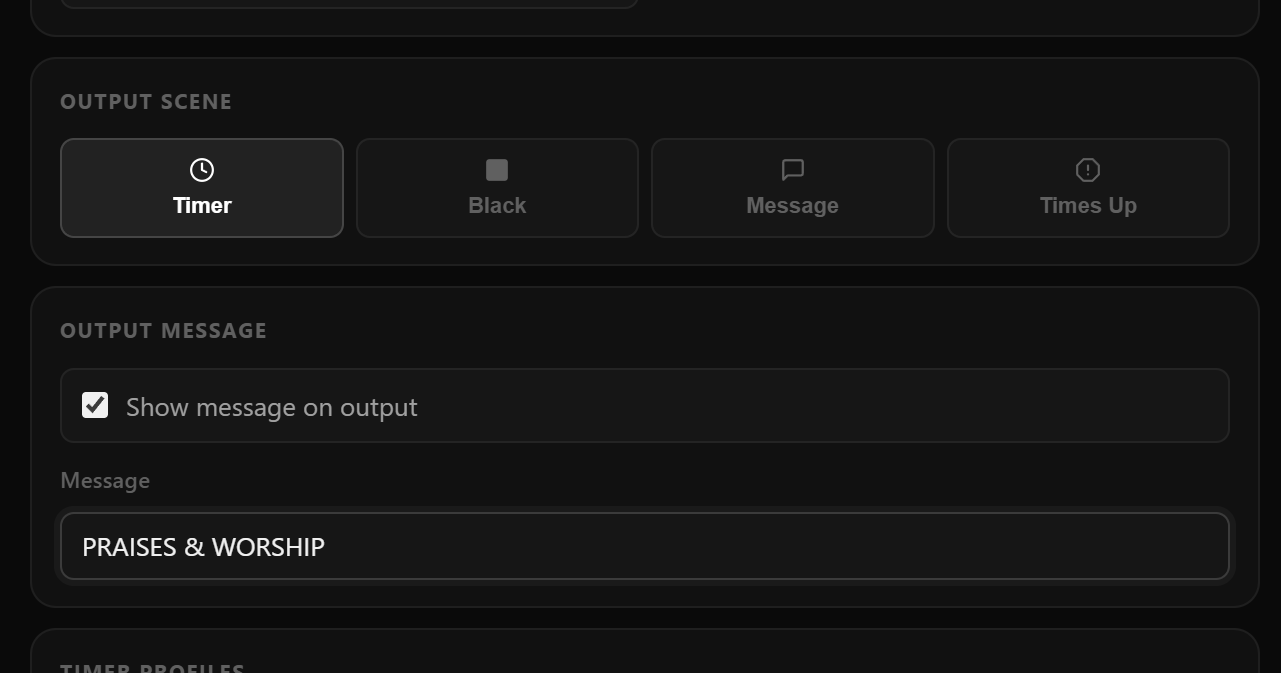
Replace the default "Time's Up" with any message you choose. Show scripture, a welcome message, or your next announcement.
5 timeout sounds plus warning beeps at 5 min, 1 min, 30 sec, and 5 sec. Keeps speakers and AV operators perfectly in sync.
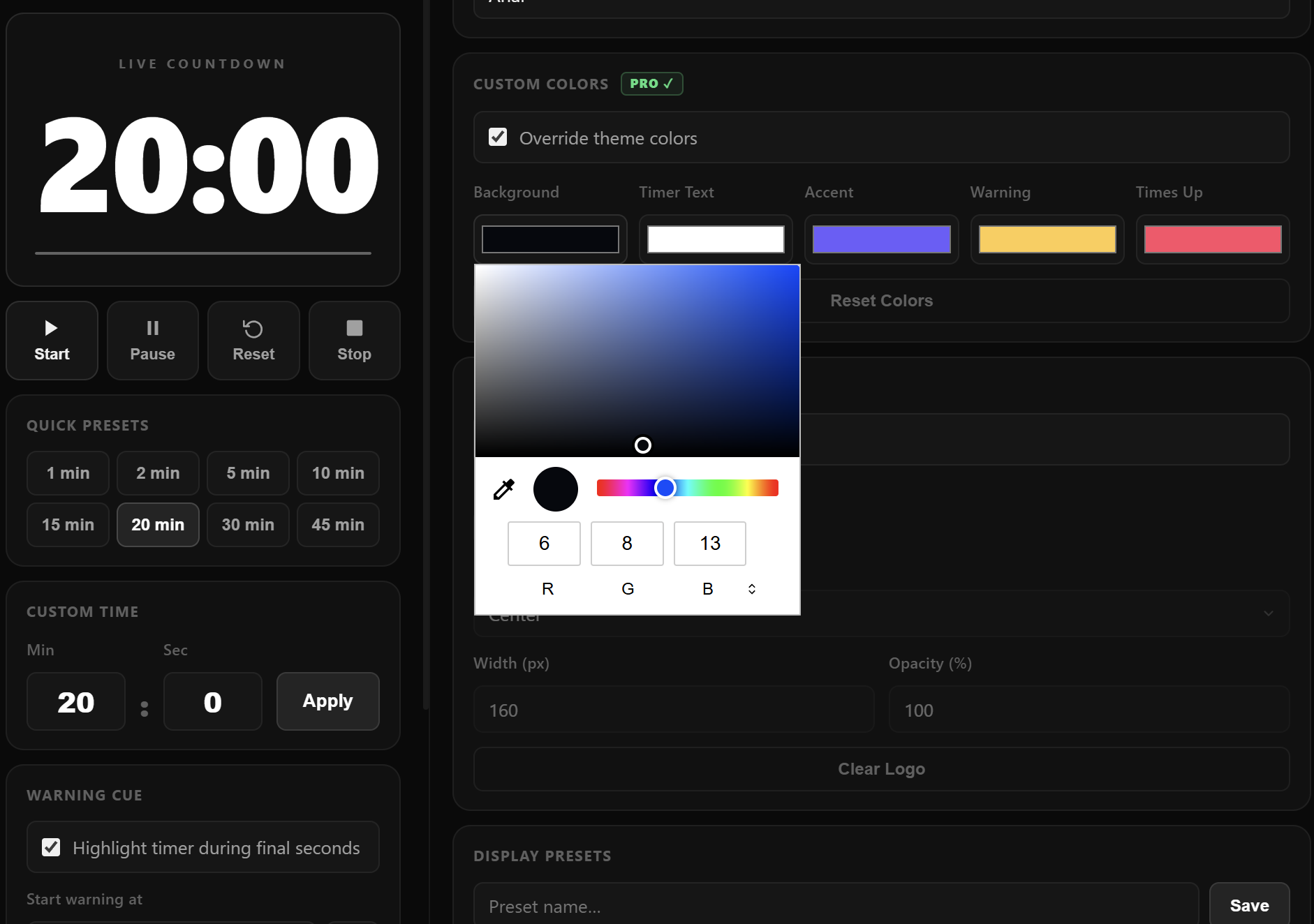
8 carefully selected colors for the timer face, background, and timeout screen. Color-code your segments for instant visual cues.
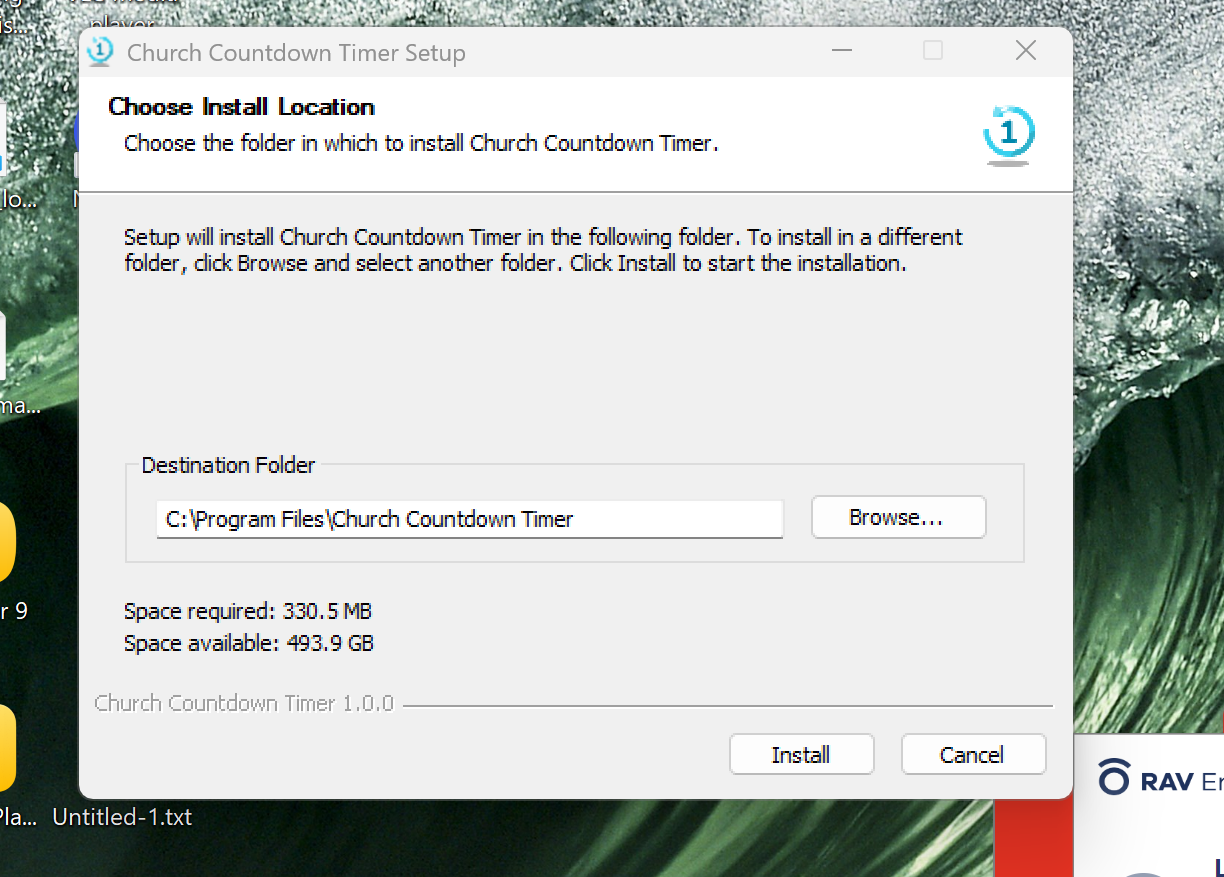
Download, unzip, and run. Works on any Windows PC without admin rights or complex setup. Carry it on a USB stick.
These powerful features are exclusive to the PRO version - not available in the free edition.
No IT department needed. If you can use a mouse, you can use this timer.
Purchase, receive your license key by email, download the .exe, and run it - no installation wizard.
Type in your time, pick colors and sounds, load a saved profile or start from scratch in seconds.
Open the output URL on the projector screen, grab your phone for remote control, and run your event flawlessly.
The free version is great. PRO takes it to another level for professionals.
| Feature | FREE | ★ PRO - $20 |
|---|---|---|
| Countdown & count-up timer | ✓ | ✓ |
| Custom timeout text | ✓ | ✓ |
| Color themes | ✓ | ✓ |
| Timeout & warning sounds | ✓ | ✓ |
| Autorestart | ✓ | ✓ |
| Set time while running | ✗ | ✓ |
| Browser output screen | ✗ | ✓ |
| Phone / tablet control via LAN | ✗ | ✓ |
| Logo / branding overlay | ✗ | ✓ |
| Timer profiles (save & load) | ✗ | ✓ |
| Network URL sharing | ✗ | ✓ |
| Lifetime license | - | ✓ |
| Download FREE | Buy PRO - $20 |
Click any item to expand details.
Connect any phone or tablet on the same Wi-Fi to control the timer. Start, stop, reset, and set time - all from your seat in the venue. No app download required.
A dedicated full-screen timer output is served as a browser page on your local network. Open it on a second PC, a smart TV, or any device with a browser for clean, lag-free display.
Timer restarts automatically when it reaches zero - ideal for back-to-back speakers, worship sets, or any repeating slot in your event schedule.
Choose countdown (time remaining) or count-up (elapsed time). Count-up is perfect for testimonies, worship sets, or any unstructured slot where you need to track how long has passed.
Display time as a raw number of seconds instead of MM:SS. Set from 1 up to 99,999 seconds (27.7 hours). Great for production teams tracking total event time.
• Set time while the timer is already running
• Show exceeded time (timer goes red after zero)
• Custom text displayed on timeout screen
• Change timer and background colors independently
• Show/hide instruction overlays
• Network URL display for quick sharing with team
Timeout sound: 5 different sounds - choose the one that fits your venue.
Warning sounds: Automatic alerts at 5 minutes, 1 minute, 30 seconds, and 5 seconds remaining. Keeps speakers aware without you interrupting them.
Select timer and background colors independently from a curated palette.
Church Countdown Timer works everywhere time matters.
Keep sermons, worship sets, and announcements on schedule. The output screen keeps the congregation unaware while you stay in control.
Multi-speaker events with tight schedules. Project the timer on the main screen so every presenter knows exactly how much time is left.
No more overrunning meetings. Set a per-agenda-item timer and keep every presentation tightly on track.
Time exams, class exercises, and presentations. Students can see the clock without you having to repeat "five minutes left."
Add a professional countdown to your stream. Show your logo via the branded output screen for a polished on-camera look.
Run tension-building countdowns for escape rooms, trivia nights, or competitive events with dramatic timeout sounds.
Download the free version and see how powerful it is. When you're ready for phone control, browser output, and branding - upgrade to PRO.
Windows only · No installation required · PRO comes with lifetime license
Not happy for any reason? Email us within 30 days and we'll refund the full purchase price - no questions asked.
BUY PRO NOW - $20★★ Lifetime license / One-time payment / Windows only ★★
Here is what thousands of event professionals have to say.
Just finished producing a major event at Oakland's Scottish Rite Center for a television host plus many other participants. The television host is used to being on a tight schedule. Well, the Church Countdown Timer for PC was my answer and it was perfect!
This product is amazing… simple to use and extremely functional and well designed. I have used it on many large events over the last 6 months. This has been the best timer solution I have ever used.
I am a preacher and speaker. I have used every countdown timer app in the store. Church Countdown Timer is by far the BEST!!! Easy to use, big display and a bright red background when it's time to stop talking.
My team uses the Countdown Timer at startup events around Europe. Definitely the easiest and fastest timer to setup and use.
Our company puts on a large, multi-room and intricate yearly event. I cannot imagine doing it without Church Countdown Timer - it has been flawless for us!
At SPP's big room planning events we have the need to communicate timings clearly for various gatherings. Countdown Timer has been a great help - we can keep several countdowns going simultaneously.
Just finished producing a major event at Oakland's Scottish Rite Center for a television host plus many other participants. The television host is used to being on a tight schedule. Well, the Church Countdown Timer for PC was my answer and it was perfect!
Bravo! A masterpiece achievement of elegance & simplicity, a Triumph of aesthetics & efficiency.
As a company specialising in presentation design for large corporate conferences and live events - we love the clean design of Church Countdown Timer software. It's simple and super intuitive to use.
Our company puts on a large, multi-room yearly event. I cannot imagine doing it without Church Countdown Timer - it has been flawless!
This product is amazing - simple to use and extremely functional. I have used it on many large events over the last 6 months. Best timer solution I have ever used.
At SPP's planning events we can keep several countdowns going simultaneously. We highly recommend this product!
Bravo! A masterpiece achievement of elegance & simplicity, a Triumph of aesthetics & efficiency.
As a company specialising in presentation design - we love the clean design of Church Countdown Timer software. It's simple and super intuitive to use.